Boosting Wifi Signal in Co-Living Spaces: Expert Advice


In today's digital age, reliable WiFi is crucial, especially in co-living spaces where multiple users depend on a stable internet connection. Boosting your WiFi signal can enhance productivity and ensure seamless connectivity for everyone. Here’s how you can achieve that.
Understanding WiFi Challenges in Co-Living Spaces
Co-living spaces often face unique challenges when it comes to WiFi connectivity. The primary issue is the number of devices connected to a single network. With numerous smartphones, laptops, and smart devices vying for bandwidth, slow speeds and connectivity issues can become common.

Another challenge is the physical layout of these spaces. Thick walls, large rooms, and multiple floors can obstruct the WiFi signal, making it difficult for the network to reach every corner of the home.
Choosing the Right Router
Investing in a high-quality router can make a significant difference. Look for routers with features like dual-band or tri-band capabilities, which can handle more devices simultaneously. Models with beamforming technology can direct signals to specific devices, enhancing connectivity.
- Dual-band routers offer both 2.4 GHz and 5 GHz frequencies.
- Tri-band routers add an additional 5 GHz band for even more capacity.
- Beamforming technology focuses signals directly to devices.
Optimizing Router Placement
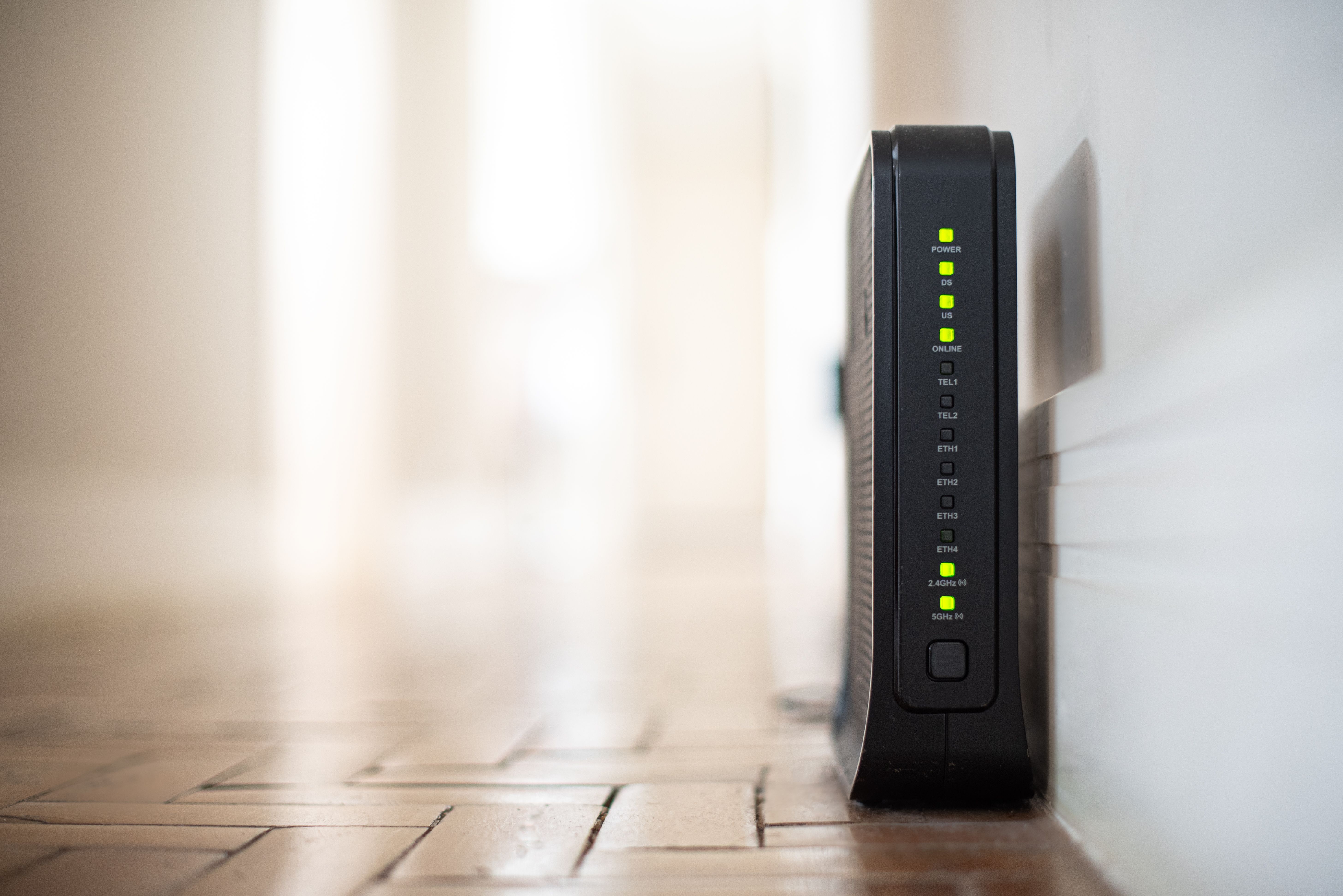
The placement of your router can significantly impact signal strength. Ideally, the router should be placed in a central location, away from walls and obstructions. Elevating the router on a shelf or mounting it on a wall can also help distribute the signal more evenly.
Avoid placing the router near metal objects or electronic devices that might cause interference. Microwaves, cordless phones, and Bluetooth devices are common culprits that can disrupt WiFi signals.
Utilizing WiFi Extenders and Mesh Networks
If moving the router doesn't solve your connectivity issues, consider using WiFi extenders or mesh networks. WiFi extenders work by amplifying the existing signal, helping it reach further areas of your space. Mesh networks, on the other hand, use multiple nodes to create a seamless WiFi experience throughout the entire home.
- WiFi extenders boost the existing signal.
- Mesh networks provide consistent coverage with multiple access points.

Managing Network Traffic
With multiple users, managing network traffic becomes essential. Implementing Quality of Service (QoS) settings can prioritize bandwidth for essential tasks like video calls or streaming, ensuring a smoother experience for everyone.
Additionally, consider setting up guest networks to keep personal data secure and reduce the load on the main network. This can prevent unauthorized access and improve overall network performance.
Regular Maintenance and Updates
Finally, keeping your router's firmware updated is crucial for optimal performance. Manufacturers often release updates that improve security and enhance functionality. Regularly rebooting your router can also help resolve connectivity issues and improve speed.
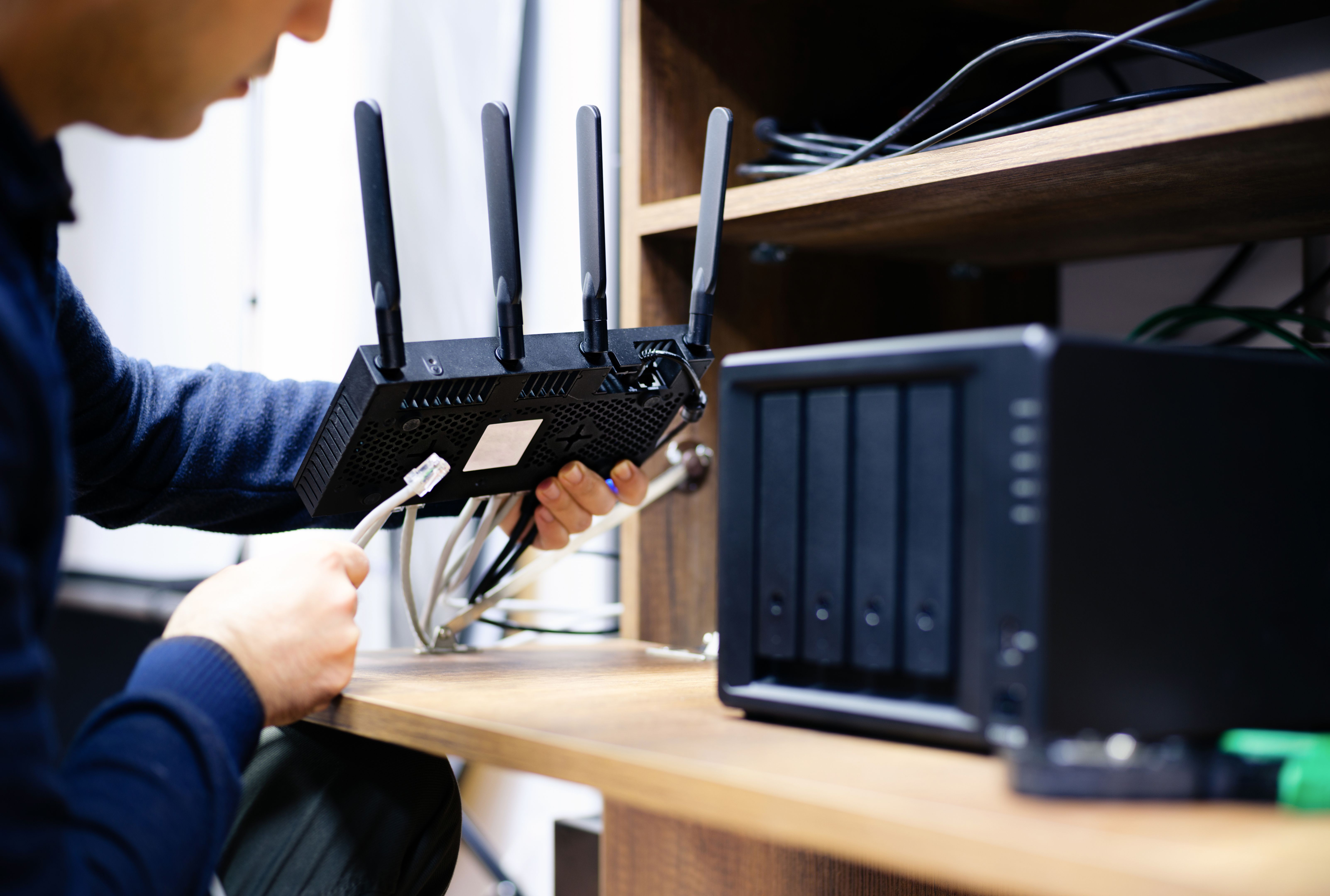
By following these expert tips, co-living spaces can enjoy a more reliable and faster WiFi connection, enhancing the living experience for all residents. With the right equipment and strategies, staying connected is easier than ever.