Expert Tips for Enhancing Wifi in Shared Living Spaces


Understanding the Challenges of Shared Living Spaces
Shared living spaces, such as apartments or dormitories, can often present unique challenges when it comes to maintaining a strong and reliable WiFi connection. With multiple users accessing the network simultaneously, bandwidth can quickly become overloaded, leading to slow speeds and connectivity issues. Understanding these challenges is the first step toward finding effective solutions.
One major issue in shared spaces is the interference caused by multiple routers operating in proximity. This interference can weaken signals and cause disruptions. Additionally, walls and furniture can obstruct WiFi signals, further complicating the situation. To overcome these challenges, it's essential to implement strategic solutions that enhance connectivity.

Positioning Your Router Strategically
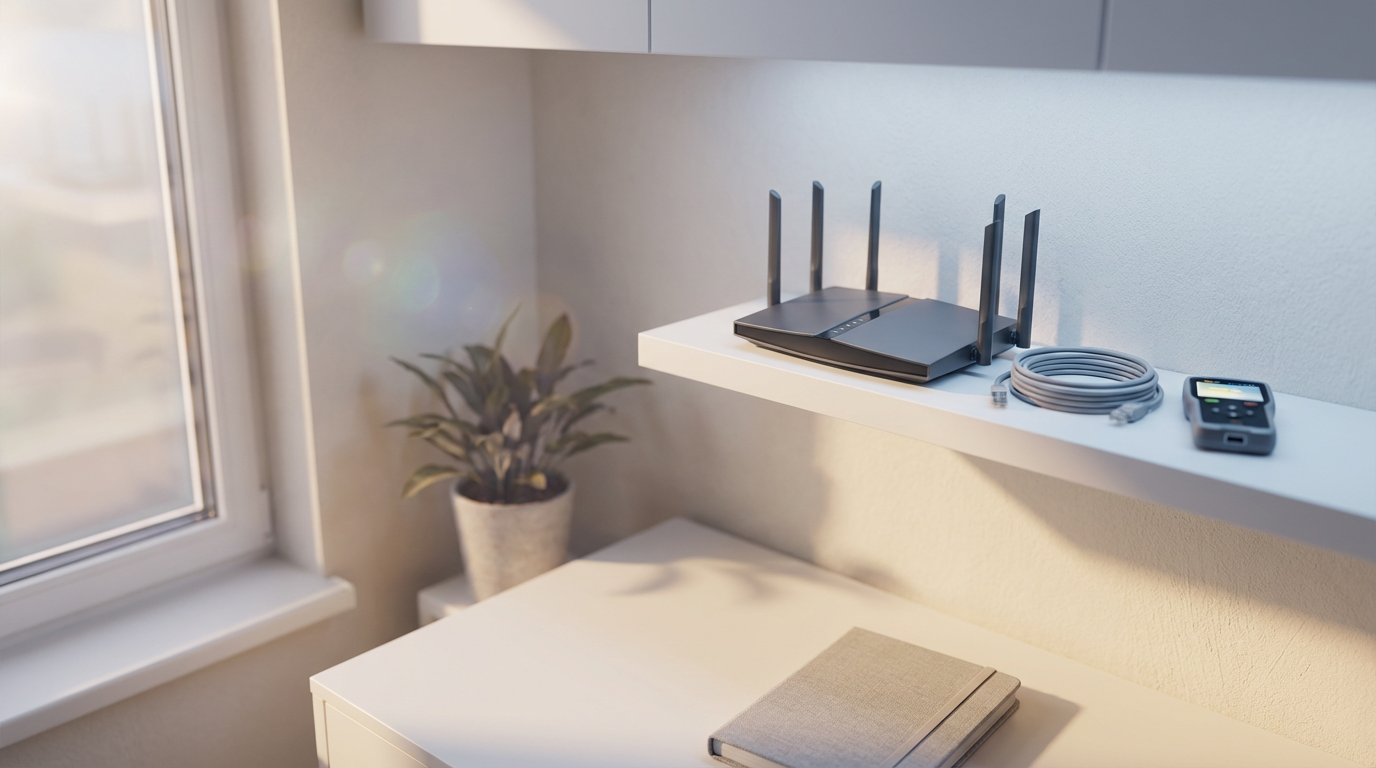
The placement of your router can significantly impact your WiFi performance. Ideally, the router should be centrally located in the living space to provide even coverage. Avoid placing it near walls or metal objects that can block signals. Elevating the router can also help improve its range and reduce interference.
Consider using a WiFi analyzer tool to identify the best location for your router. These tools can help you visualize signal strength and potential dead zones, allowing you to make informed decisions about router placement. By optimizing its position, you can enhance overall connectivity for everyone in the shared space.
Utilizing Modern Technology
Investing in modern WiFi technology can make a significant difference in shared living environments. Consider upgrading to a dual-band or tri-band router that can handle multiple connections more efficiently. These routers can distribute traffic across different frequency bands, reducing congestion and improving speed.
Mesh WiFi systems are another excellent option for large or multi-room spaces. They consist of multiple nodes that work together to provide seamless coverage throughout the area. This setup ensures a strong connection, even in hard-to-reach corners.
Managing Network Traffic
Effectively managing network traffic is crucial in shared living spaces. Implementing Quality of Service (QoS) settings on your router can help prioritize bandwidth for essential activities like video streaming or online gaming. This ensures that high-priority tasks receive the bandwidth they need, even during peak usage times.
Encouraging residents to schedule bandwidth-heavy activities during off-peak hours can also help maintain a stable network. By spreading out usage, you can prevent sudden overloads that lead to slowdowns and disconnections.
Enhancing Security and Privacy
Security is a vital consideration in shared living spaces. Ensure that your network is secured with a strong password and encryption. Regularly updating your router’s firmware can protect against vulnerabilities and unauthorized access.
Consider setting up a guest network for visitors to prevent them from accessing the main network. This not only enhances security but also helps manage bandwidth by keeping guest activities separate from regular usage.
Exploring Hardware Solutions
Sometimes, the addition of hardware can solve persistent WiFi issues. WiFi extenders or boosters can amplify your signal, reaching areas that are typically dead zones. These devices are relatively easy to set up and can significantly improve coverage.
For more advanced solutions, Powerline adapters use electrical wiring to transmit internet signals, offering a stable connection in rooms far from the router. These can be particularly useful in older buildings with thick walls that hinder wireless signals.
Regular Maintenance and Monitoring
Regularly monitoring and maintaining your network can prevent issues before they arise. Periodically rebooting your router can clear out temporary glitches and improve performance. Keeping an eye on connected devices and removing any that are not in use can free up bandwidth and enhance overall speed.
Utilizing network monitoring tools can provide insights into usage patterns and help you identify any unusual activity that might be impacting performance. By staying proactive, you can ensure a smooth and efficient WiFi experience for everyone in the shared living space.