How to Boost Wifi in Your Dublin Student Accommodation


Understanding Your Wifi Needs
As a student in Dublin, having a reliable wifi connection is crucial for studying, streaming, and connecting with friends and family. However, shared accommodation can often lead to slow and unreliable internet. Understanding your specific needs and challenges is the first step in boosting your wifi performance.

Optimize Your Router Placement
The placement of your router can significantly affect your wifi signal. Ensure that your router is placed in a central location, away from walls and obstructions. Elevating the router can also help improve coverage. Avoid placing it near metal objects or appliances that might interfere with the signal.
Consider the Distance
The closer your devices are to the router, the stronger the signal. If possible, position your study desk near the router to benefit from a more stable connection. This simple adjustment can make a noticeable difference in your internet speed and reliability.

Secure Your Network
A secure network not only protects your data but also ensures that your bandwidth isn’t being used by unauthorized users. Use a strong, unique password for your wifi and change it regularly. Enabling network encryption, such as WPA2 or WPA3, can also enhance security.
Limit Connected Devices
Too many connected devices can slow down your wifi. Disconnect any gadgets that aren’t in use, and prioritize essential devices. Consider setting up a guest network for visitors, which can help manage bandwidth more effectively.

Invest in Wifi Extenders
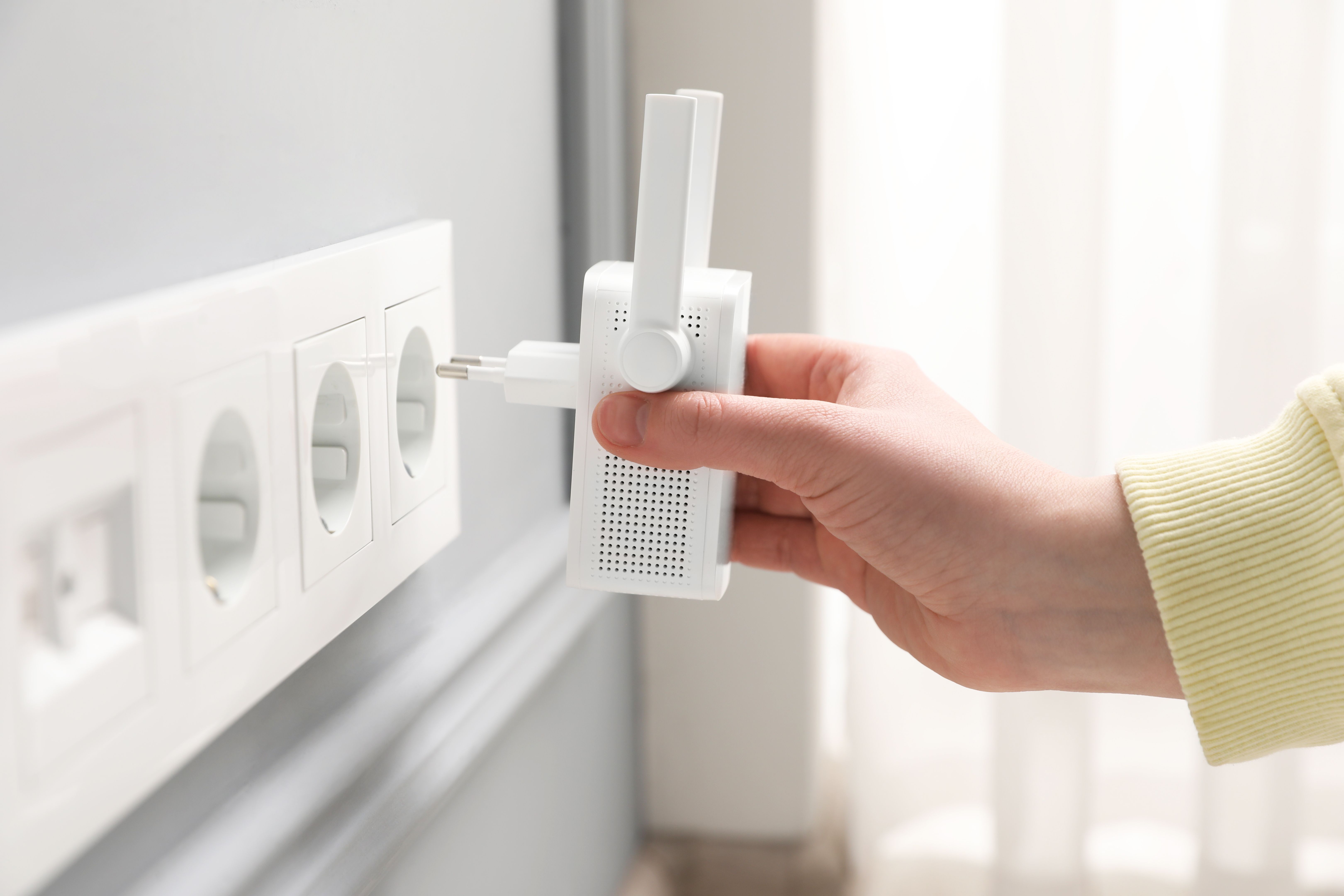
If your accommodation is large or has thick walls, a wifi extender could be a worthwhile investment. These devices help amplify the existing signal, ensuring that every corner of your room is covered. They are easy to set up and can significantly enhance your internet experience.
Choose the Right Extender
When selecting a wifi extender, consider the size of your accommodation and the specific areas where the signal is weak. Look for models that are compatible with your router and offer easy installation options.
Update Your Equipment
Outdated routers and modems can hinder your internet speed. Ensure that your equipment is up to date, and consider upgrading if you’re experiencing consistent issues. Newer models offer better performance and advanced features that can enhance your connection.
Check for Firmware Updates
Regularly check for firmware updates for your router. Manufacturers often release updates that improve performance and security. Keeping your equipment updated can prevent many common wifi issues.