How to Boost Your WiFi Signal in a Room Share Setup


Understanding WiFi Challenges in a Room Share Setup
Living in a room share setup can be exciting, but it often comes with its own set of challenges, especially when it comes to maintaining a strong and reliable WiFi signal. With multiple devices connected simultaneously, the network can become congested, leading to slow internet speed and connectivity issues.
Fortunately, there are several strategies you can implement to enhance the WiFi signal strength and ensure seamless connectivity for everyone. In this post, we’ll explore practical tips to boost your WiFi signal in a shared living environment.

Position Your Router Strategically
The placement of your router plays a crucial role in the distribution of the WiFi signal. Ideally, the router should be placed in a central location, elevated from the floor, and away from walls and obstructions. This ensures an even distribution of the signal throughout the living space.
Additionally, avoid placing the router near electronic devices like microwaves or cordless phones, as they can interfere with the signal. If possible, position the router in an open area where the signal can travel freely without interference.
Upgrade Your Router
If you’re using an older router model, it may not support the latest WiFi standards, resulting in slower connectivity. Consider upgrading to a modern router that supports the latest technology, such as WiFi 6, which offers faster speeds and better performance with multiple devices connected.
Modern routers also come with advanced features like beamforming, which directs the WiFi signal towards connected devices, enhancing the overall signal strength and coverage.
Optimize Your Network Settings
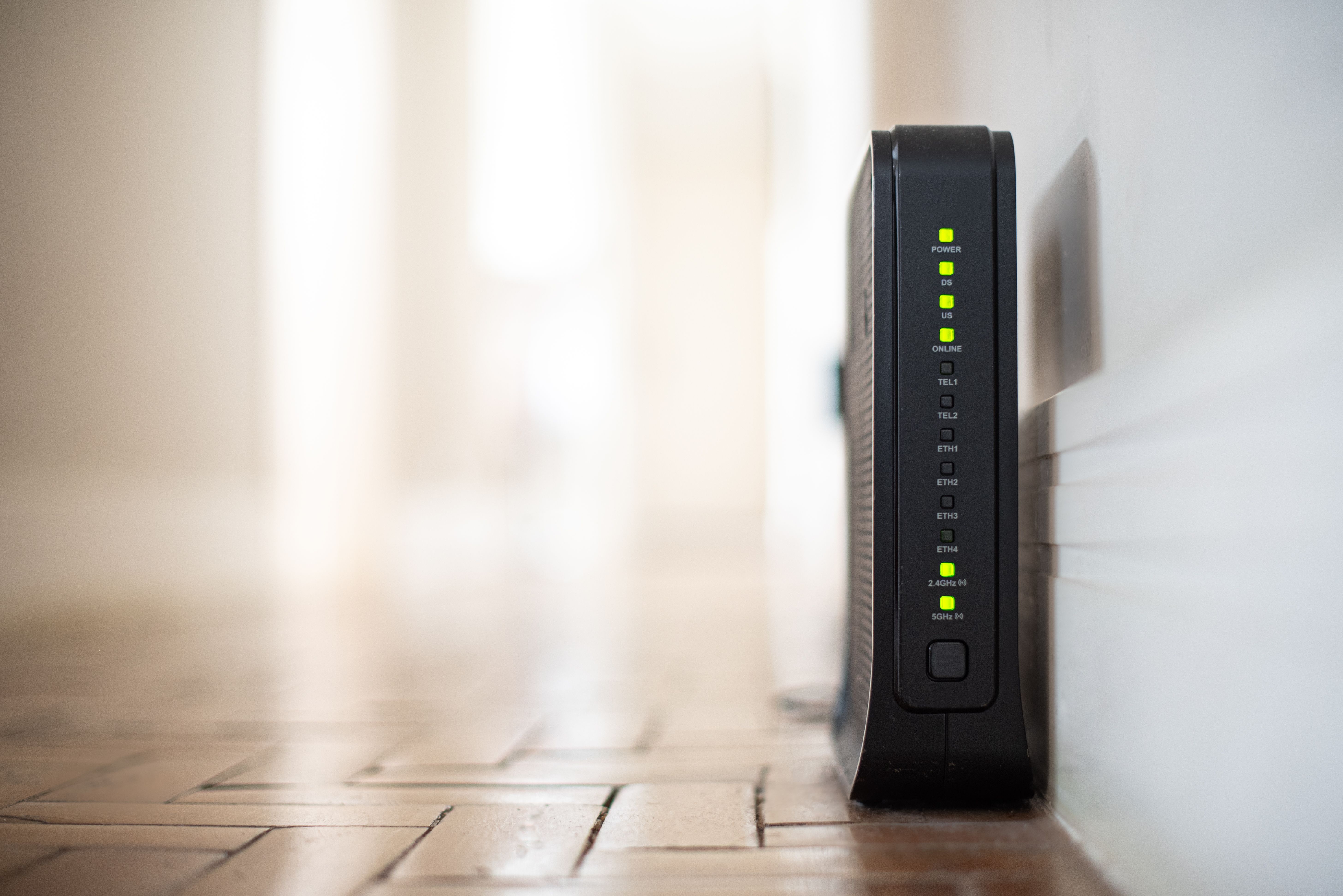
Adjusting your network settings can significantly improve your WiFi signal. Start by selecting the least congested WiFi channel. Tools and apps are available that can help you identify which channels are least crowded in your area.
Moreover, ensure your router's firmware is up-to-date. Manufacturers frequently release updates that enhance performance and security. Regular updates can lead to better connectivity and a more robust network.
Use WiFi Extenders or Mesh Systems
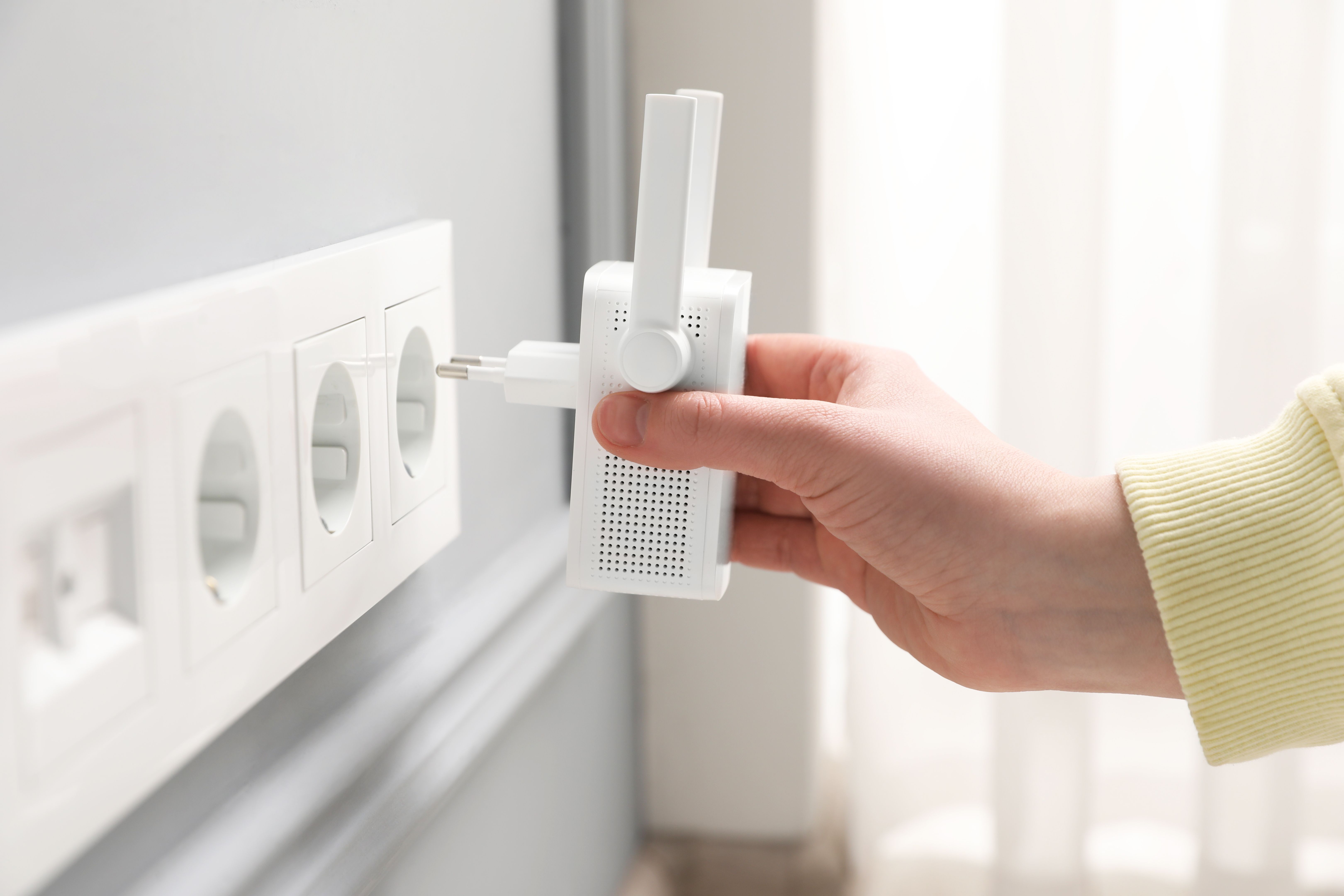
If your living space is large or has multiple rooms, a single router might not be enough to cover the entire area. In such cases, consider using WiFi extenders or mesh systems to amplify the signal strength. These devices help eliminate dead zones and ensure consistent coverage throughout the space.
WiFi mesh systems, in particular, are designed to provide comprehensive coverage and are ideal for larger shared living environments.
Minimize Bandwidth-Heavy Activities
In a room share setup, it’s important to manage internet usage effectively. Activities like streaming high-definition videos or large file downloads can consume significant bandwidth, affecting the overall network performance.
Encourage roommates to schedule bandwidth-heavy activities during off-peak hours. Implementing a bandwidth management plan can help ensure a fair distribution of internet resources among all users.
Secure Your Network
Securing your WiFi network is crucial to prevent unauthorized access, which can slow down your connection. Use a strong, unique password and enable WPA3 security for enhanced protection.
Additionally, consider setting up a guest network for visitors. This keeps your main network secure while allowing guests to access the internet without compromising your network's integrity.
By following these strategies, you can significantly improve your WiFi signal in a room share setup, ensuring everyone enjoys a fast and reliable internet connection.