How to Eliminate Wifi Dead Zones in Your Dublin Home


Understanding Wifi Dead Zones
Wifi dead zones can be frustrating, especially in a busy city like Dublin where connectivity is crucial. These are areas in your home where the wifi signal is weak or non-existent. The first step in eliminating these dead zones is understanding what causes them. Common culprits include thick walls, large furniture, and interference from electronic devices.

Position Your Router Strategically
The placement of your router plays a significant role in the strength of your wifi signal. Ensure your router is positioned in a central location in your home. Avoid placing it near thick walls or metal objects, as these can block the signal. Ideally, the router should be elevated on a shelf or table for the best coverage.
Consider the Antenna Direction
If your router has external antennas, adjusting their direction can improve coverage. Pointing one antenna vertically and the other horizontally can enhance the signal's reach across different levels of your home.
Invest in a Wifi Extender
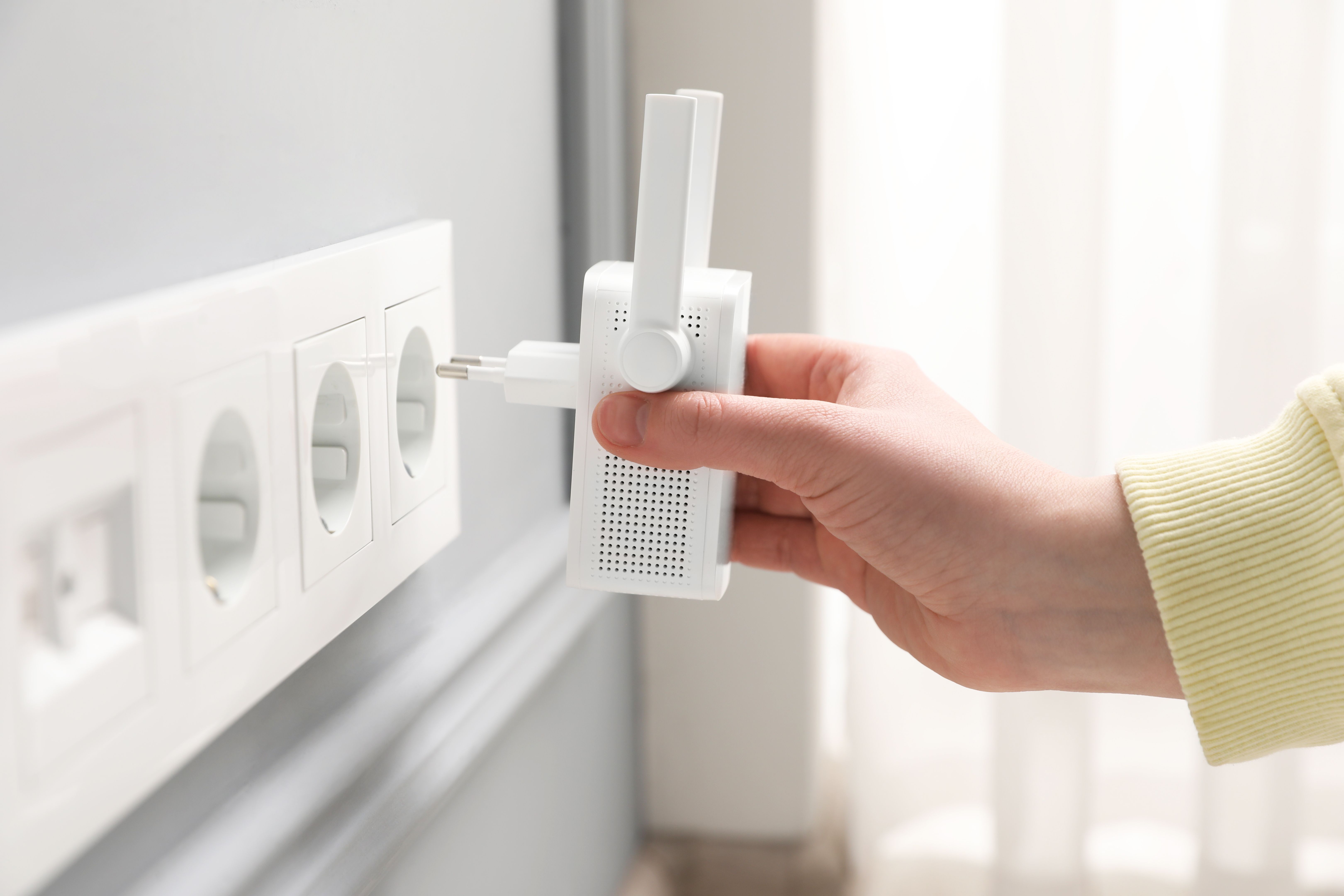
A wifi extender can help boost the signal to areas that are hard to reach. These devices are easy to set up and can significantly improve your home's connectivity. Place the extender halfway between your router and the dead zone for optimal performance.
Mesh Network Systems
For larger homes, a mesh network system might be more effective. These systems consist of multiple nodes that work together to provide seamless coverage throughout your home. They are particularly useful in eliminating dead zones in multi-story houses.
Minimize Interference
Electronic devices like microwaves, cordless phones, and baby monitors can interfere with your wifi signal. Try to keep your router away from such devices. Additionally, switching your router to a less crowded channel can reduce interference from neighboring networks.

Update Your Router
If your router is several years old, upgrading to a newer model can make a significant difference. Modern routers come with advanced technology that provides better coverage and faster speeds.
Use Wired Connections for Static Devices
For devices that don't need to be mobile, like desktop computers or smart TVs, using a wired connection can free up bandwidth on your wifi network. This can help improve the overall speed and connectivity for other devices.
Regularly Check for Firmware Updates
Keeping your router's firmware up to date ensures you have the latest security patches and performance improvements. Check your router manufacturer's website for updates and instructions on how to install them.