How to Maximize Your WiFi Signal in a Dublin Room Share


Understanding Your WiFi Needs
Living in a Dublin room share can be a fantastic experience, but sharing WiFi can sometimes be challenging. It's essential to understand your connectivity needs to ensure everyone enjoys a smooth online experience. Whether you're working from home, streaming your favorite shows, or gaming, knowing your requirements is the first step in maximizing your WiFi signal.
Assess Your Current Setup
Before making any changes, assess your current WiFi setup. Check the position of your router, its age, and the devices you have connected. Older routers may not support the latest WiFi standards, leading to slower speeds and weaker signals. If your router is outdated, consider upgrading to a more powerful model that supports the latest technology.

Optimize Router Placement
The placement of your router can significantly impact the strength of your WiFi signal. Position your router in a central location, away from walls and obstructions. Avoid placing it near metal objects or other electronics that might interfere with the signal. Elevating the router can also help improve coverage, ensuring a stronger connection throughout your room share.
Limit Interference
Interference from other electronic devices can disrupt your WiFi signal. Microwaves, cordless phones, and Bluetooth devices are common culprits. To minimize interference, try to keep these devices away from your router or switch to the 5GHz frequency, which is less prone to interference compared to the 2.4GHz band.
Enhance WiFi Security
Securing your WiFi network is crucial, especially in a shared living environment. Ensure your network is password-protected and change the default login credentials on your router. Use a strong, unique password to prevent unauthorized access and consider hiding your network's SSID to add an extra layer of security.
Utilize WiFi Extenders
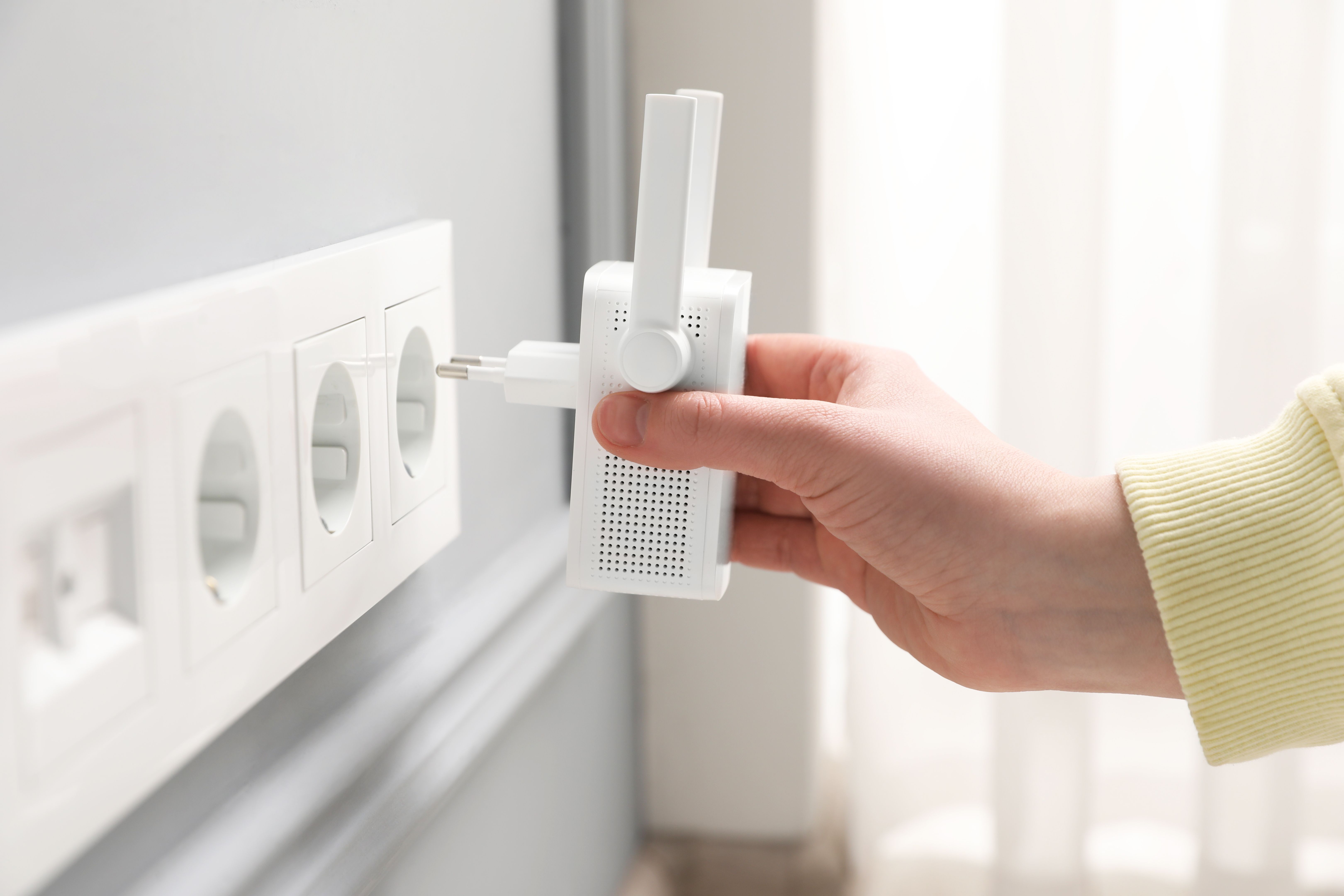
If certain areas of your room share have weak signals, WiFi extenders can be a practical solution. These devices amplify your existing WiFi signal, extending coverage to hard-to-reach corners. Place the extender midway between your router and the area with poor signal to maximize its effectiveness.
Prioritize Essential Traffic
In a room share, multiple users can compete for bandwidth, leading to slower speeds. Prioritize essential traffic by enabling Quality of Service (QoS) settings on your router. This feature allows you to allocate more bandwidth to critical applications, such as video conferencing or online gaming, ensuring a smoother experience.
Regularly Update Your Equipment
Keeping your router's firmware up-to-date is vital for optimal performance and security. Manufacturers often release updates to fix bugs and improve functionality. Regularly check for updates and install them to ensure your network runs efficiently.
By following these tips, you can enjoy a robust and reliable WiFi connection in your Dublin room share, enhancing your online experience and reducing frustration for everyone involved.